← Back to Prezivio Earnings & Pay β†’
Prezivio Schedule and Availability
πŸ“… Full Schedule Control

Schedule & Availability

Work when you want, where you want. Set your available days, choose your shift times, and instantly go online to receive care requests β€” all from your Provider App.

7
Days Flexible
3
Shift Options
30mi
Max Travel Radius
Schedule and Availability Management

Your Schedule, Your Rules

Prezivio gives you complete control over when and how you work. Set your availability once, adjust anytime, and go online only when you're ready to accept requests.

  • Choose any combination of days β€” weekdays, weekends, or both
  • Pick morning, afternoon, or evening shifts β€” or all three
  • Set your travel radius from 5 to 30 miles
  • Go online or offline instantly with one tap
  • Request time off anytime without penalty
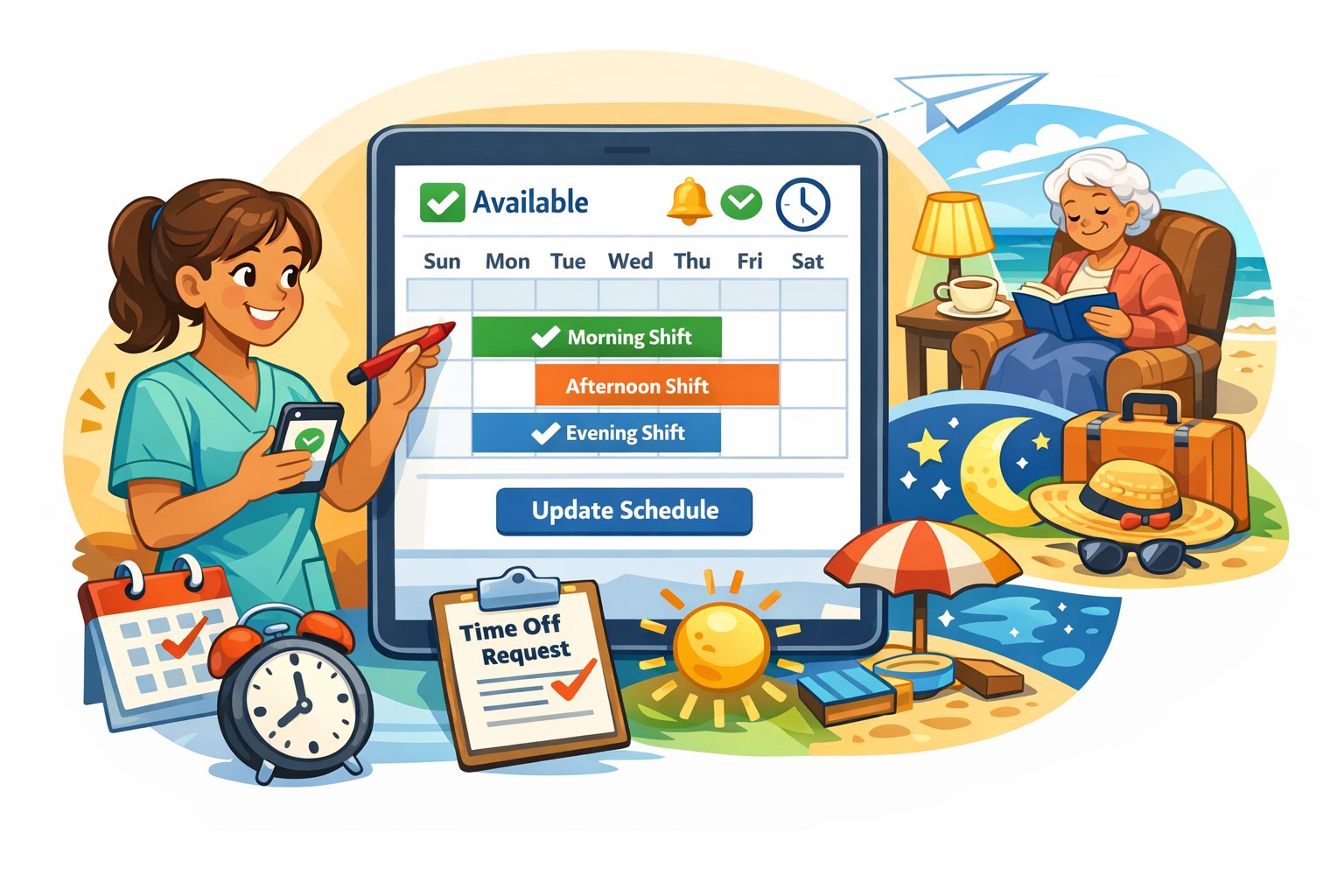
  • Update your schedule in real time from the app
Available Shift Types

Choose the shifts that fit your lifestyle β€” work one, two, or all three depending on your availability.

πŸŒ…
Morning Shift
6:00 AM – 12:00 PM
Perfect for early risers. Morning care includes medication reminders, breakfast prep, personal hygiene, and companion check-ins.
Most Requested
β˜€οΈ
Afternoon Shift
12:00 PM – 6:00 PM
Midday care including lunch prep, errands, doctor appointments, light housekeeping, and social engagement activities.
High Demand
πŸŒ™
Evening Shift
6:00 PM – 10:00 PM
Evening routines including dinner prep, medication management, bedtime assistance, and overnight check-ins for seniors who need extra support.
Premium Rate
Sample Weekly Schedule

This is how a typical provider week looks in the Prezivio app.

Morning Evening Available Off
Sun
Off
Off
Mon
AM
PM
Tue
AM
Free
Wed
AM
PM
Thu
Free
PM
Fri
AM
PM
Sat
AM
Free
How Scheduling Works

Setting up and managing your schedule takes less than 2 minutes in the Provider App.

1

πŸ“… Set Your Available Days One-Time Setup

During registration, select which days of the week you're available β€” any combination from Sunday through Saturday. You can update this anytime from your profile settings in the app.

2

⏰ Choose Your Shift Windows Flexible

Set your preferred start and end times for each day. Work 6am–2pm, noon–8pm, or any window that fits your life. The app will only send you requests within your availability window.

3

πŸ“ Set Your Travel Radius Location Based

Choose how far you're willing to travel β€” from 5 to 30 miles from your home address. Seniors within your radius who need your services will be matched to you when you're online.

4

🟒 Go Online to Receive Requests Real-Time

When you're ready to work, tap the Online toggle in the app. Incoming care requests from nearby seniors will appear instantly. Accept or decline β€” you're always in control.

5

πŸ”„ Update Anytime No Penalty

Need to block off a vacation? Change your shift hours? No problem. Update your schedule anytime from the app with no penalties. Your availability changes take effect immediately.

Why Providers Love the Flexibility

Prezivio is designed around your life β€” not the other way around.

🏠

Work Close to Home

Set a travel radius that keeps you close to home. No long commutes unless you choose them.

πŸ‘¨β€πŸ‘©β€πŸ‘§

Family-Friendly Hours

Work around school pickups, family commitments, and personal appointments on your terms.

πŸ“±

Manage From Your Phone

Your entire schedule lives in the Provider App. Update, go online, or go offline from anywhere.

🎯

Targeted Matching

Only get matched with seniors who need your specific services within your chosen availability window.

πŸ–οΈ

Unlimited Time Off

Take days off whenever you need without requesting permission or worrying about penalties.

⚑

Instant On/Off

Toggle your availability with one tap. Go offline instantly if something comes up β€” no calls required.

Scheduling FAQs

Answers to the most common questions about how scheduling works on Prezivio.

Can I change my schedule after I register? β–Ό
Yes, absolutely. You can update your available days, shift hours, and travel radius at any time directly from the Provider App. Changes take effect immediately with no waiting period or approval needed.
What if I only want to work on weekends? β–Ό
That's completely fine. You can select only Saturday and Sunday as your available days. Prezivio does not require a minimum number of working days. Work as little or as much as you want.
How do I take time off? β–Ό
Simply go offline in the app or remove days from your availability for the period you need off. There's no time-off request process, no approval needed, and no penalty for taking breaks. Your account remains active while you're away.
Will I get requests outside my available hours? β–Ό
No. The platform only sends you care requests that fall within your set availability window. If you're offline or outside your scheduled hours, you won't receive any notifications or requests.
Can I decline requests even when I'm online? β–Ό
Yes. Being online makes you visible and eligible to receive requests, but you are never required to accept any specific request. You can review each incoming request and choose to accept or decline based on your preference.
What is the minimum travel radius I can set? β–Ό
The minimum travel radius is 5 miles. This ensures you can still receive a reasonable number of care requests. You can set it up to 30 miles if you're willing to travel further for higher-paying or longer sessions.

Set Your Schedule. Start Earning.

Join Prezivio and build a care career that works around your life β€” not the other way around.